
How to Set Up Your Phone for Better Focus and Less Distraction
set up your phone for better focus: a clear, practical guide to configuring settings that reduce distractions and support deep work
If your phone constantly pulls your attention away from what matters, the problem is not your willpower. Phones are designed to interrupt. Notifications, badges, feeds, and alerts are all engineered to demand attention. Learning how to set up your phone for better focus means redesigning the environment so focus becomes the default, not the exception.
This guide shows you how to configure your phone using built-in settings and simple habits to reduce distractions, improve concentration, and regain control without deleting essential apps or quitting technology. Everything here is realistic, reversible, and designed for daily life.
Why Focus Fails on Modern Phones
Focus doesn’t disappear because people are weak. It disappears because phones create constant context switching.
Every alert, vibration, and badge forces your brain to:
stop the current task
evaluate urgency
decide whether to respond
reorient back to the task
This mental switching is exhausting and kills deep focus. Understanding this is the first step to set up your phone for better focus effectively.
Focus Is an Environment Problem, Not a Motivation Problem
Trying to “focus harder” rarely works. Changing the environment does.
When distractions are reduced:
focus lasts longer
tasks feel easier
mental fatigue drops
decision-making improves
Your phone environment either supports focus or destroys it. There is no neutral setting.
Step 1: Define What Focus Means for You
Before changing settings, define your focus needs.
Ask yourself:
Do I need focus for work blocks
Do I need focus for studying
Do I need focus for creative tasks
Do I need focus for reading or learning
Clarity here determines which distractions matter most.
A proper set up your phone for better focus starts with intention.
Step 2: Turn Off Non-Essential Notifications
Notifications are the number one focus killer.
Most apps send notifications that are not urgent.
Do this:
disable notifications for social media
disable notifications for shopping apps
disable notifications for games
disable promotional notifications
Keep notifications only for:
calls
messages from important contacts
time-sensitive work apps
Fewer notifications equal fewer interruptions.
Step 3: Use Notification Grouping and Summaries
If disabling notifications entirely feels extreme, use summaries.
Notification summaries:
deliver alerts at scheduled times
prevent constant interruptions
maintain awareness without distraction
This setting alone dramatically improves focus for many users.
Step 4: Remove Distraction Apps From the Home Screen
Your home screen shapes behavior.
If distracting apps are visible, they will be opened.
To set up your phone for better focus:
remove social apps from the first screen
move distracting apps into folders
keep essential tools visible
use a clean layout
Out of sight does not mean deleted. It means intentional.
Step 5: Reduce Visual Noise
Bright icons, widgets, and live wallpapers stimulate attention.
Reduce visual noise by:
using a simple wallpaper
removing unnecessary widgets
keeping only essential apps visible
A calmer screen reduces the urge to check your phone.
Step 6: Use Grayscale or Reduced Color Modes
Color increases engagement. This is intentional design.
Using grayscale:
reduces emotional pull
makes apps less stimulating
supports mindful use
You don’t need to use grayscale all day. Even using it during work hours helps reinforce focus.
Step 7: Configure Focus or Do Not Disturb Modes
Modern phones include powerful focus tools.
Set up modes for:
work
study
reading
sleep
Configure each mode to:
allow only essential notifications
block distracting apps
silence alerts
Automation removes the need for constant decisions.
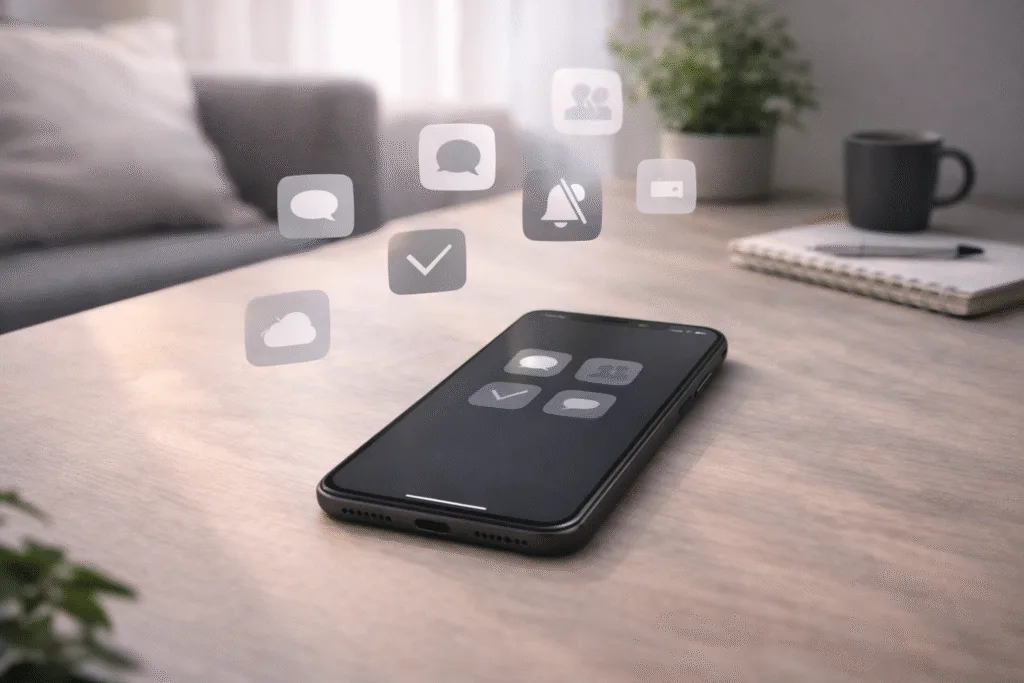
Step 8: Limit App Badges and Visual Alerts
Red badges create urgency even when nothing is urgent.
Disable badges for:
social apps
email apps
news apps
You can still check them intentionally.
This is a subtle but powerful way to set up your phone for better focus.
Step 9: Adjust App Permissions That Trigger Interruptions
Some apps interrupt indirectly through:
background refresh
location updates
syncing activity
Limit permissions to:
“while using the app”
manual refresh where possible
This reduces background interruptions and improves focus stability.
Step 10: Create Intentional Use Windows
Constant checking destroys focus.
Instead, create specific windows:
check messages every hour
check social apps during breaks
avoid checking during deep work
This trains your brain to relax instead of constantly scanning for alerts.
Step 11: Use Physical Boundaries During Focus Time
Where your phone is matters.
During focus blocks:
place phone face down
place phone out of reach
keep phone off the desk if possible
Physical distance supports mental distance.
Step 12: Silence Micro-Interruptions
Even silent vibrations break focus.
Disable:
keyboard sounds
haptic feedback
system sounds
Quiet phones support quiet minds.
Step 13: Redesign the Lock Screen
Lock screens often trigger distraction before you even unlock the phone.
Optimize by:
removing widgets
hiding notification previews
using minimal clock-only layouts
This reduces impulse checking.
Step 14: Separate Work Tools From Entertainment
If possible:
use work apps during specific hours
avoid mixing entertainment apps with work tools
log out of social apps during focus hours
This separation strengthens mental boundaries.
Step 15: Build Focus-Friendly Habits Around Phone Use
Settings alone are powerful, but habits reinforce them.
Helpful habits include:
checking the phone with a purpose
pausing before unlocking
closing apps after use
taking short breaks without screens
Habits turn configuration into consistency.
Common Mistakes That Ruin Focus
Leaving notifications on “just in case”
Trusting willpower instead of settings
Trying to multitask
Keeping distracting apps visible
Avoiding these mistakes is part of learning how to set up your phone for better focus.
A Simple Focus Setup Routine
Follow this order:
disable non-essential notifications
clean the home screen
reduce visual noise
configure focus modes
limit badges and previews
This setup works for most people immediately.
How Long Until You Feel the Difference
Most users notice:
less urge to check the phone
longer focus blocks
reduced mental fatigue
better task completion
Often within a few days.
Focus Is Not About Perfection
You will still get distracted sometimes. That’s normal.
The goal is not zero distractions. The goal is fewer, softer, and more intentional interruptions.
Final Thoughts
Learning how to set up your phone for better focus is about reclaiming attention, not rejecting technology. When your phone environment supports clarity instead of chaos, focus becomes natural.
You don’t need more discipline.
You need better defaults.

Dr. Ethan Marlowe is a science communicator specializing in human biology, neuroscience, and the hidden mechanisms of the body. He focuses on transforming complex research into clear, engaging explanations that help readers understand how their bodies work. At The Human Body Facts, Ethan brings curiosity, accuracy, and a modern scientific approach to every article.