
The Real Reason Phones Overheat — And What Actually Helps
the real reason phones overheat: a clear explanation of what causes smartphone heat and what truly reduces it
Phone overheating is one of the most misunderstood performance problems. Many users immediately assume something is broken, outdated, or unsafe. In reality, overheating is almost always the result of invisible system behavior combined with everyday habits.
Understanding the real reason phones overheat allows you to prevent damage, protect battery health, and maintain smooth performance without panic or unnecessary fixes.
Heat is not random. It is the outcome of specific conditions that push your phone beyond its thermal comfort zone.
Heat Is a Protective Response, Not a Malfunction
Modern smartphones are designed to protect themselves. When temperatures rise, the system automatically reduces performance to prevent long-term damage. This is called thermal throttling.
What users experience as lag, dimmed screens, or delayed responses is often the phone actively trying to cool itself down.
The key is not eliminating heat entirely, but preventing constant and repeated overheating.
Continuous Background Activity Is the Main Culprit
The most common cause of overheating is not gaming or video recording. It is continuous background activity that never fully stops.
This includes:
background app refresh
cloud syncing
location tracking
push notifications
analytics
diagnostics
auto-updates
Each task generates a small amount of heat. When many of them run simultaneously, internal temperature rises even during light use.
This is one of the clearest explanations of the real reason phones overheat during normal daily activity.
Poor Signal Forces the Phone to Work Harder
Weak cellular or Wi-Fi signal dramatically increases thermal output.
When signal strength is low, the phone:
increases antenna power
retries failed connections
searches for stronger networks
maintains unstable data sessions
This constant effort produces heat quickly and consistently.
That is why phones often overheat:
in elevators
in basements
while traveling
in rural areas
inside large buildings
Reducing usage in low-signal environments significantly lowers heat.
Charging While Using the Phone Creates Thermal Stacking
Charging produces heat.
Using the phone produces heat.
When both happen at the same time, internal temperature rises much faster.
Activities that commonly trigger overheating while charging:
video streaming
navigation
video calls
gaming
camera usage
This behavior alone explains many overheating complaints.
Fast Charging Increases Internal Temperature
Fast charging delivers higher power in shorter time. While safe, it generates more heat than slow charging.
Using fast charging repeatedly, especially in warm environments, increases the likelihood of thermal stress.
Phones tolerate this well occasionally, but not constantly.
Screen Brightness Is a Hidden Heat Generator
The display is one of the most power-hungry components in a phone.
High brightness:
draws more energy
produces heat
forces system compensation
Outdoor use at maximum brightness is a frequent overheating trigger.
Adaptive brightness and manual reduction help regulate temperature immediately.
Heavy Animations and Visual Effects Add Load
Animations require continuous GPU processing.
Live wallpapers, transitions, and visual effects increase heat during basic interactions such as:
unlocking the phone
switching apps
scrolling
Reducing motion reduces both heat and lag.
Poorly Optimized Apps Cause Persistent Heating
Some apps are inefficiently coded and consume excessive resources in the background.
Warning signs include:
high battery usage
excessive background time
phone warming during idle periods
These apps are often responsible for unexplained heating.
System Updates Temporarily Increase Heat
After major updates, phones perform background tasks such as:
file reindexing
app optimization
cache rebuilding
data syncing
This can cause heat for hours or days after an update.
This is normal and temporary.
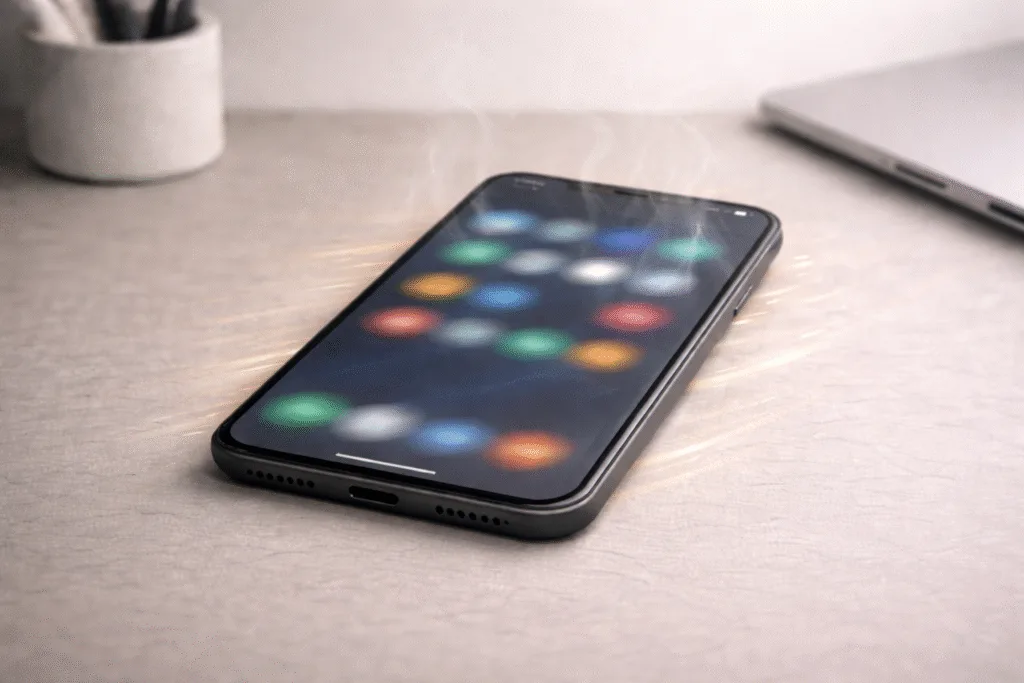
External Temperature Amplifies All Problems
Phones dissipate heat through their outer shell. High ambient temperature reduces this ability.
Direct sunlight, hot cars, and warm environments significantly worsen overheating.
Even light usage can become problematic under these conditions.
What Actually Helps Reduce Overheating
Reducing background activity
Limiting location access
Controlling notifications
Avoiding heavy use while charging
Lowering screen brightness
Reducing animations
Keeping the phone cool
Restarting the device regularly
These actions address the real reason phones overheat instead of masking symptoms.
Daily Habits That Prevent Overheating
Weekly restarts
Minimal background permissions
Balanced charging habits
Avoiding heat exposure
Regular app review
Consistency matters more than extreme measures.
When Overheating Is Hardware-Related
If a phone:
overheats during idle use
throttles constantly
shuts down unexpectedly
hardware aging or battery degradation may be involved. Optimization still helps, but expectations should remain realistic.
Final Thoughts
Phones overheat because they are pushed too hard, too often, and usually without the user realizing it. Understanding the real reason phones overheat gives you control over performance, battery health, and longevity.
Heat is not the enemy.
Unmanaged background behavior is.

Dr. Ethan Marlowe is a science communicator specializing in human biology, neuroscience, and the hidden mechanisms of the body. He focuses on transforming complex research into clear, engaging explanations that help readers understand how their bodies work. At The Human Body Facts, Ethan brings curiosity, accuracy, and a modern scientific approach to every article.